
Voice planner
A voice planner that plans your day while you talk
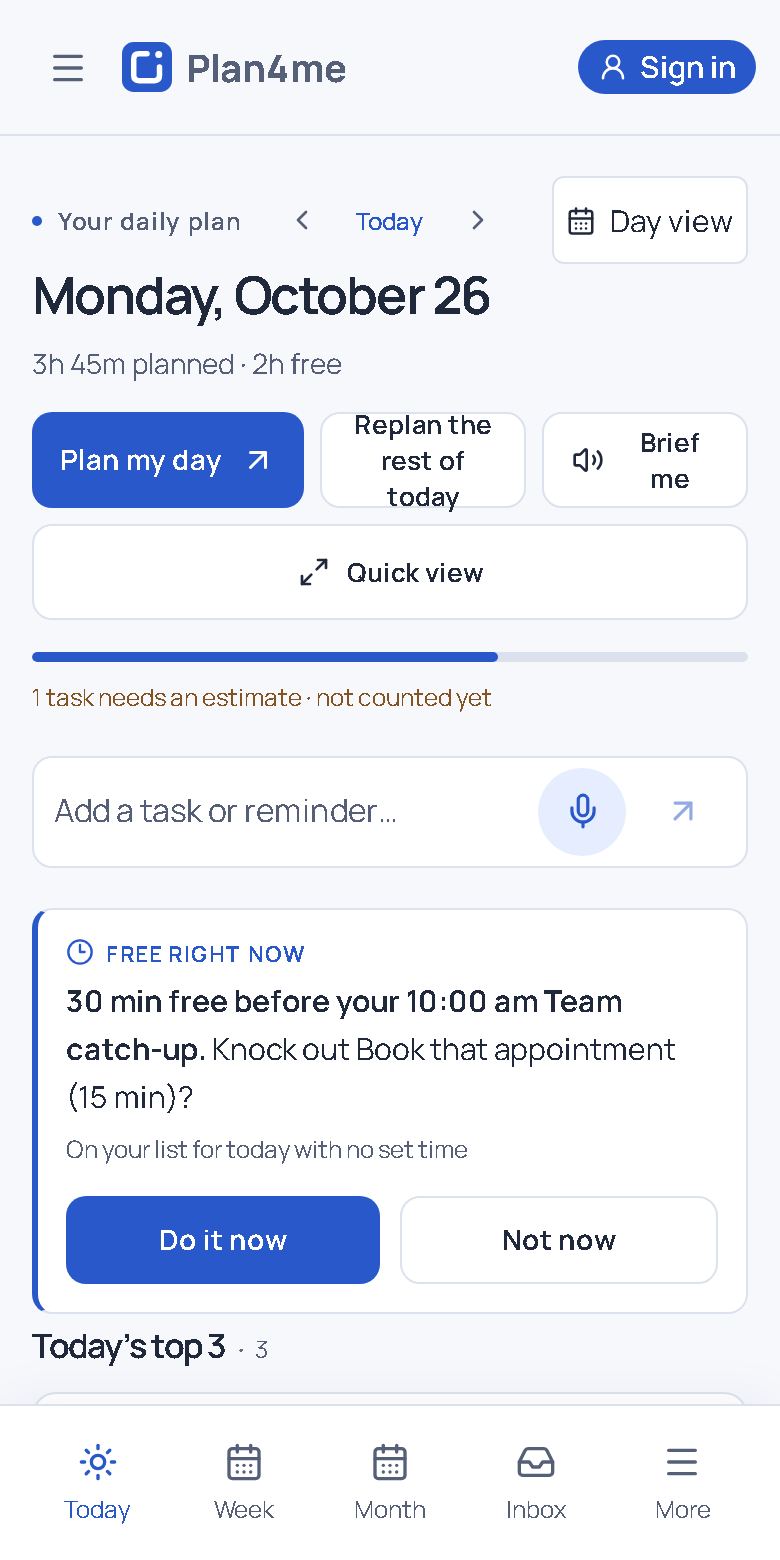
Tap the microphone and say what you need to get done. Plan4me asks a short follow-up when something is missing, reads the plan back in one line, and saves it when you say yes.
Free plan · No card for the 14-day Plus trial · Works in your browser
How it works
- Say it. “Tomorrow: finish the Johnson estimate, call the supplier at 10, and pick up materials after lunch.”
- Answer one question, if needed. When a time or an estimate is missing, Plan4me asks for it instead of guessing.
- Hear it once, then say yes. “OK, I’ll schedule them. Want me to save it?” Nothing is saved until you agree, and every save has one Undo.
Things you can say
- “Move the budget review to tomorrow.”
- “What’s next?”
- “Mark the supplier call done.”
- “Remind me an hour before the inspection.”
- “Find time for the proposal before Friday.”
Voice can add new tasks and change the ones you already have: move them, reschedule them or mark them done. When you would rather type, the same planner works by hand.
Why plan out loud
Most planners want you to stop, open a form and fill in fields. Planning by voice takes about as long as saying the day out loud, so it fits between other things: after a call, between appointments, while the coffee brews. Plan4me then does the fitting: it places tasks around your calendar and your working hours, and it protects the evenings you set aside.
See it in 30 seconds
A real change by voice: “Move the budget review to tomorrow.” Plan4me reads it back, waits for yes, and saves once.
Questions
Is Plan4me free?
Yes. The free plan includes the whole planner and 10 voice sessions a month. Plus adds a monthly allowance of voice minutes and a more natural voice for $7 a month or $60 a year, and new accounts get a 14-day Plus trial with no card.
Do I need to install an app?
No. Plan4me works in any modern browser on a phone or computer, and you can add it to your home screen from the browser menu so it opens like an app. An Android app is in private testing.
Will it change my plan without asking?
No. Every change is shown first with a reason, nothing changes until you save, and each save has one Undo.
What happens to my voice?
When you use voice, your audio or typed notes and a short list of your upcoming tasks are sent to OpenAI to understand the request. The Privacy Policy explains exactly what is sent and kept.
Plan tomorrow in the next minute
Start free in your browser. No card needed.
Start free