
Install the app
Put Plan4me on your home screen
Plan4me works in any browser. Installed, it opens full screen from your home screen or dock like any other app. On iPhone, notifications only work from the Home Screen app.
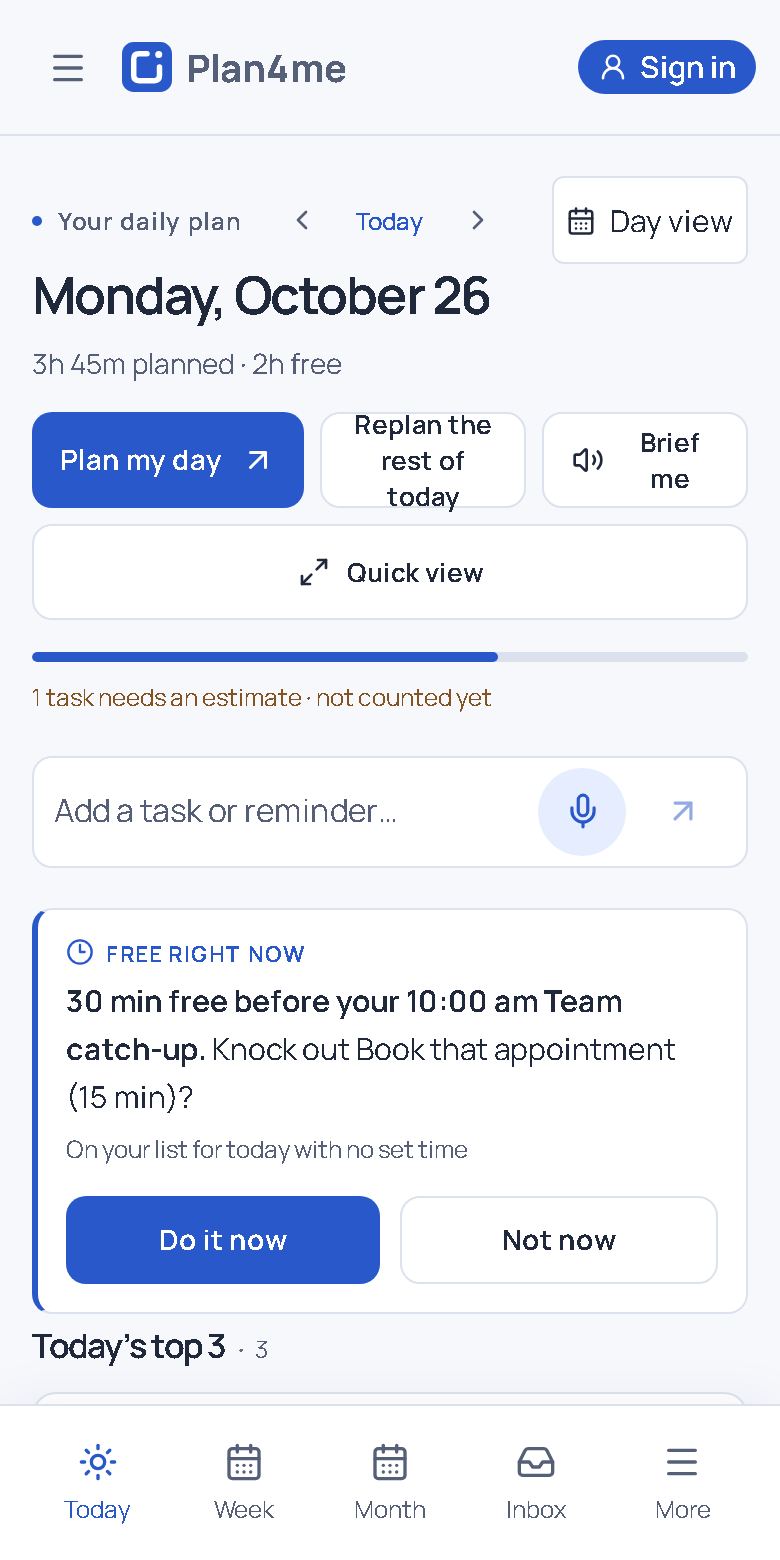
iPhone and iPad, in Safari
- Open plan4me.app in Safari.
- Tap ••• to the right of the address bar, then tap Share. On iOS 18 and earlier, tap the Share button (a square with an arrow) in the bottom bar instead.
- Scroll down and tap Add to Home Screen.
- Keep Open as Web App switched on, then tap Add.
- Open Plan4me from your Home Screen and sign in once more. The Home Screen app keeps its own sign-in, separate from Safari.
Opened Plan4me from another app?
Links in Facebook, Instagram, Reddit, Gmail and other apps often open in that app's built-in browser. It can't add Plan4me to your Home Screen, and Google sign-in is blocked there.
- Facebook or Instagram: tap •••, then Open in external browser or Open in Safari.
- Reddit or Gmail: tap the compass or Safari button at the bottom, or ••• then Open in Safari.
- Can't find it? Copy the link and paste it into Safari's address bar.
Chrome, Edge or Firefox on iPhone
Tap the Share button in the address bar, then Add to Home Screen. If your browser doesn't offer it, open plan4me.app in Safari and use the steps above.
Android, in Chrome
- Open plan4me.app in Chrome and sign in.
- Tap Install on the card at the top of Today, or in Settings → Notifications.
- No Install button? Tap ⋮ at the top right, then Install app or Add to Home screen.
Windows or Mac computer
- Chrome: click the install icon at the right of the address bar, or ⋮ → Cast, save and share → Install page as app.
- Edge: ••• → Apps → Install this site as an app.
- Safari on a Mac: File → Add to Dock (macOS Sonoma or later).
- Firefox: no install option; keep Plan4me open in a tab, or pin the tab.
After installing
Turn on notifications so reminders reach you when Plan4me is closed: open Settings → Notifications and tap Turn on notifications for this device, then allow them when your phone asks.
Questions
Do I lose my plans when I install?
No. Your plans are kept in your account. Sign in once inside the installed app and everything is there.
Why does iPhone ask me to sign in again?
An app on the iPhone Home Screen keeps its own sign-in, separate from Safari. You only need to sign in once.
How do I remove it?
Press and hold the Plan4me icon, then remove it like any other app. Your account and plans stay safe.
Not using Plan4me yet?
Start free in your browser. No card needed.
Start free